
Select the model you want to generate your image with.
Improve Image Quality With Free AI Image Enhancer
Enhance photo quality, clarity, and details in one click with Bylo.ai's free AI image enhancer.
Your Generated Images
Key Features of Bylo AI Image Enhancer
AI Image Enhancer for Overall Image Quality Improvement
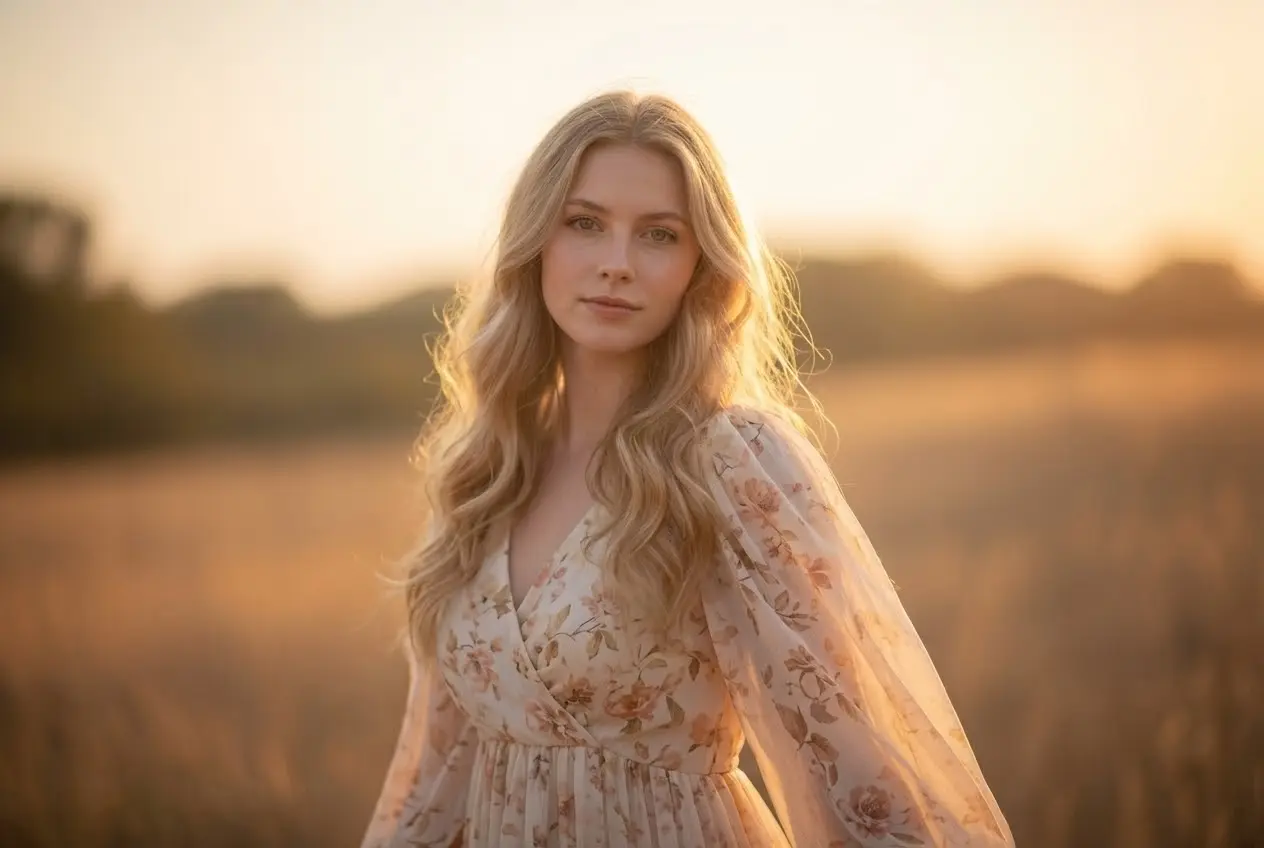
Bylo.ai’s AI Image Enhancer is built to improve the quality of the entire image, not just specific areas. It enhances clarity, sharpness, and texture across the whole photo, so subjects, backgrounds, and fine details are all refined together. The result is a more balanced and natural-looking image without uneven sharpness or soft areas.
AI Photo Enhancer That Keeps Photos Natural
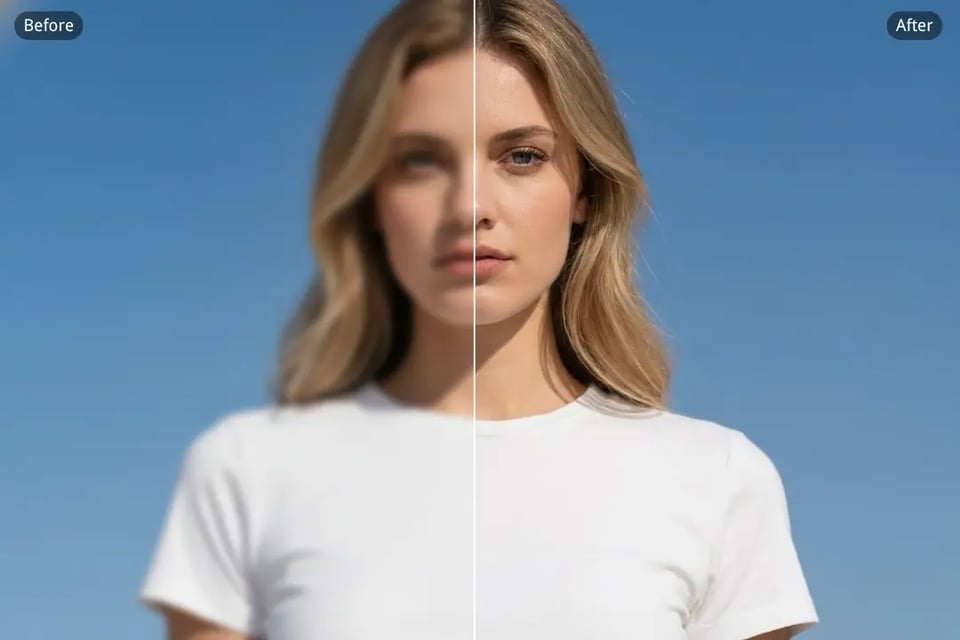
Many photo enhancers rely on aggressive sharpening that can make images look artificial and overprocessed. Bylo.ai takes a more balanced approach by enhancing clarity and detail while preserving the original character of the image. Textures remain natural, edges stay clean, and the overall style is kept intact. When applied within the AI Fashion Model Generator , this same enhancement philosophy ensures fashion model images look polished and professional without losing realism—so every generated or refined fashion visual still feels authentic and true to the original design.
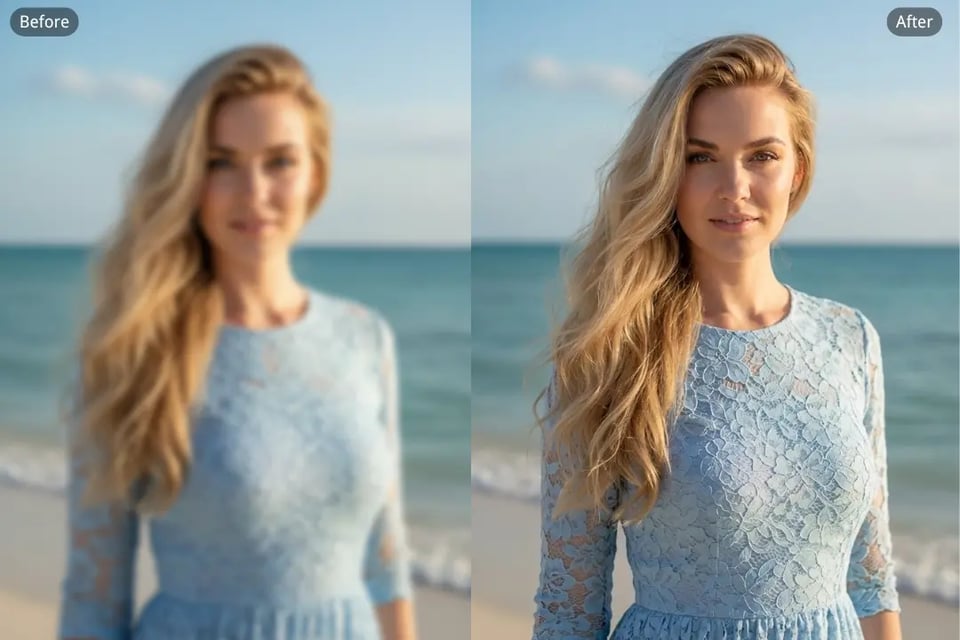
Image Quality Enhancer to Fix Blur and Noise
Blur, grain, and compression artifacts can quickly ruin image quality. With Bylo.ai’s image quality enhancer, AI automatically detects these issues and gently corrects them. It removes noise, restores clarity, and refines details across the image, making low-quality photos clearer and more visually pleasing in just one step.
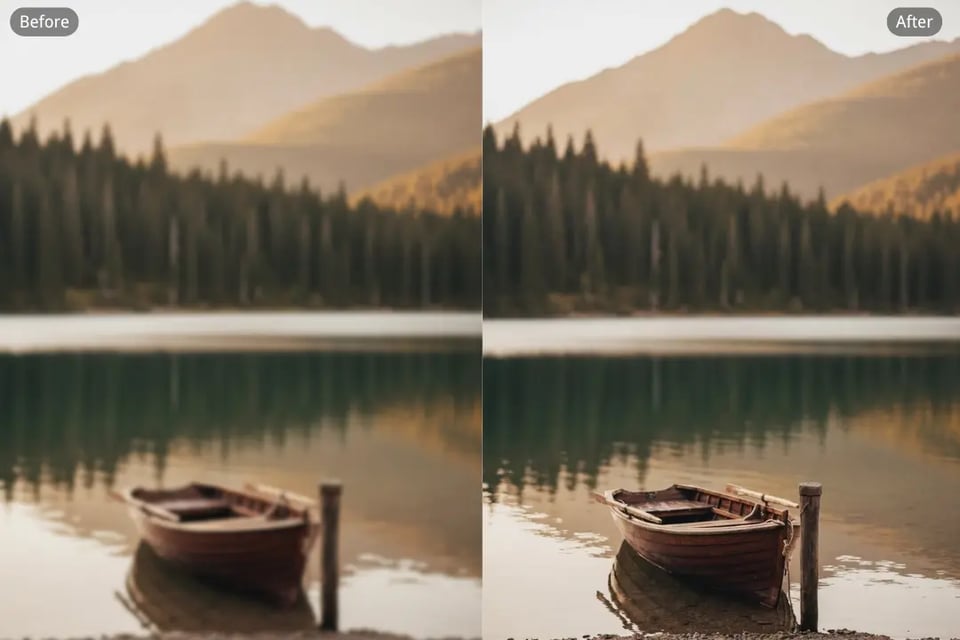
Image Upscaler to Increase Resolution to HD & 4K
If your image resolution feels limiting, Bylo.ai also works as an intelligent image upscaler. The AI increases resolution to HD or 4K while keeping details consistent and textures smooth. Instead of simply stretching pixels, the Image Enhancer reconstructs missing detail so images stay sharp and usable for larger displays or prints.
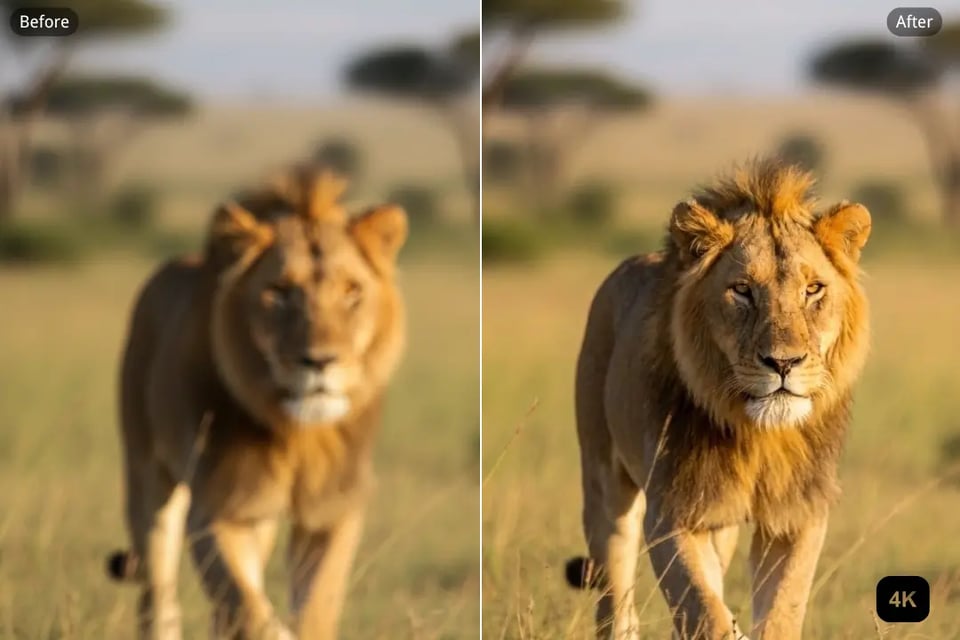
Image Enhancer Free Online with One-Click AI
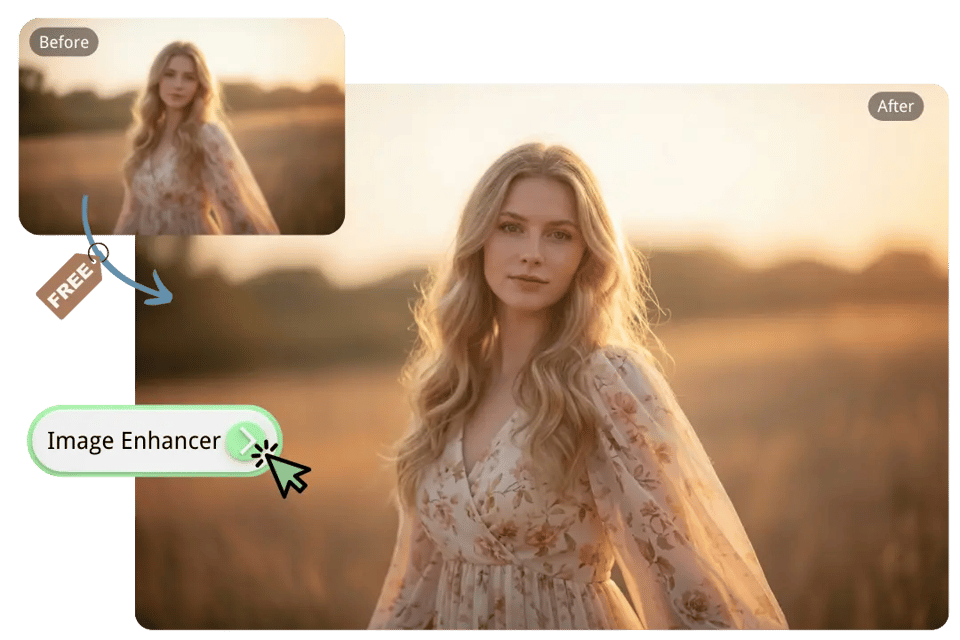
Bylo.ai offers an Image Enhancer free online that’s simple to use and fully browser-based. There’s no need for downloads or manual adjustments—just upload your image and let the AI Image Enhancer do the work. In seconds, you’ll get a clearer, higher-quality image ready to download and use.
How to Enhance Image Quality with Bylo.ai’s Free AI Image Enhancer
Follow these simple steps to get started with our platform.
Step 1: Upload Your Image
Upload the image you want to improve using Bylo.ai’s AI Image Enhancer. If your image looks blurry, soft, or lacks clarity, the enhancement process starts immediately after upload.
Step 2: Let the AI Enhance Image Quality Automatically
Once uploaded, Bylo.ai’s AI Image Enhancer automatically analyzes the entire image. It improves clarity, reduces blur and noise, and refines details evenly across the photo—no manual adjustments needed.
Step 3: Preview and Download the Enhanced Image
After enhancement, preview the improved result and compare the difference in image quality. When you’re satisfied, download the enhanced image with clearer details and a more refined overall look.
What Image Enhancement Looks Like in Real Situations With AI Photo Enhancer
Use Bylo.ai’s AI Photo Enhancer to quickly enhance the overall quality of any image in just moments. The AI improves clarity and detail across the entire image, helping photos look cleaner and more refined regardless of their original quality. From everyday snapshots to more carefully composed visuals, Bylo.ai enhances image consistency so each image looks its best with minimal effort.

Enhance the Clarity and Detail of Anime and Cartoon Images
Anime and cartoon images often lose fine lines and color definition when image quality drops. Bylo.ai’s AI Image Enhancer enhances color vibrancy and refines line details, making small and intricate elements more visible and better defined. If illustrated images appear noisy or slightly blurred, the AI smooths visual distractions while preserving important stylistic details, resulting in clearer and more expressive visuals that stay true to the original style.
Improve Product Images to Better Show Design and Texture
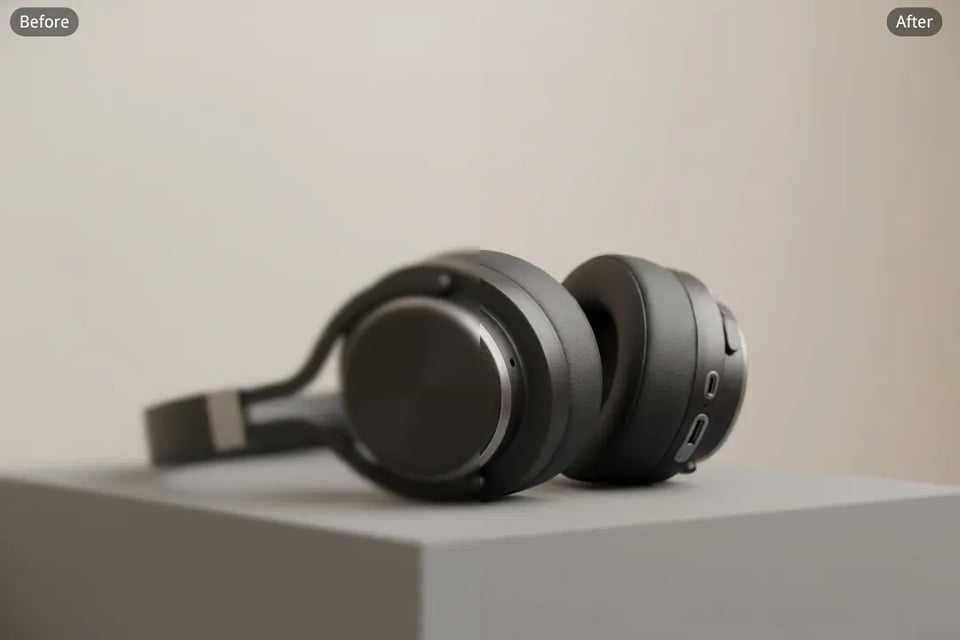
Product images need clear details to showcase design, texture, and overall quality. With Bylo.ai’s AI Photo Enhancer, shapes, colors, and surface details become more distinct, allowing products to stand out naturally within the image. Whether highlighting materials or fine design elements, enhanced product images appear cleaner and more visually balanced.
Make Portrait Images Look Clearer While Staying Natural
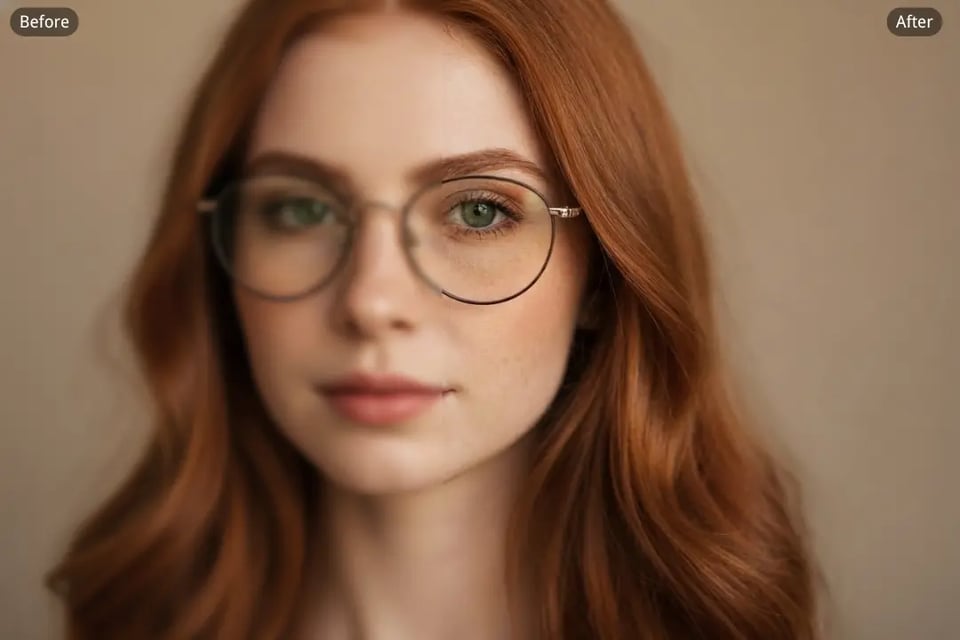
Portrait images can appear soft or lack clarity due to lighting or focus issues. Bylo.ai’s AI Image Enhancer improves overall portrait clarity by refining details and sharpening edges while keeping facial features natural and well-balanced. The result is a cleaner, more polished portrait that looks refined without feeling over-processed.

Improve Readability for Images That Contain Text
Images that contain text can become difficult to read when blur or noise is present. Using Bylo.ai’s AI Photo Enhancer, text edges are clarified and contrast is improved, making words easier to read while keeping the surrounding image intact. This helps text-based visuals appear clearer and more readable overall.

Add More Clarity and Depth to Art and Creative Images
Digital art and AI-generated images sometimes appear soft or lose fine detail. Bylo.ai’s AI Image Enhancer refines textures and enhances clarity, bringing out details and color depth to make artwork look more vivid and complete. Even when source quality is uneven, the enhanced result maintains the original artistic character.

Enhance Wallpapers for a Clean and Consistent Visual Look
Wallpapers need consistent clarity to look good across different screens and viewing sizes. Bylo.ai’s AI Photo Enhancer enhances wallpaper images by improving sharpness and overall visual balance, ensuring they appear clean and visually appealing. Enhanced wallpapers maintain clarity without looking uneven or overly sharpened.
Enhance Photo Quality for Everyday and Professional Use
Enhance Product Photos for E-commerce with AI Image Enhancer
A high-quality product photo helps customers better see design details and materials. With Bylo.ai’s AI Image Enhancer, product images can be enhanced to achieve clearer textures, more balanced colors, and improved overall sharpness. This AI photo enhancer helps product photos look more professional and visually consistent across different e-commerce listings.
Improve Picture Quality for Social Media Using AI Photo Enhancer
Sharing clear images on social media matters, but not every photo is captured in ideal conditions. Bylo.ai’s AI Photo Enhancer makes it easy to improve photo clarity and visual quality, helping images look cleaner and more refined before sharing. Enhanced images maintain better detail and appearance even after platform compression.
Increase Picture Quality for Printing with Image Quality Enhancer
Images that appear acceptable on screen may lose detail when printed. Using Bylo.ai’s image quality enhancer, photos can be enhanced with sharper details and more natural visual balance. This helps printed pictures look clearer and more accurate, whether they are personal photos, artwork, or travel images.
Improve Photo Quality for Brand Marketing with Image Enhancer
Marketing visuals need clear details to communicate effectively. Bylo.ai’s Image Enhancer helps improve photo quality by enhancing clarity and detail, making images better suited for use in brand marketing materials such as websites, presentations, and promotional visuals.